📱 veeni
Leave Vivino without retyping anything: import your cellar into veeni
Your cellar lives in Vivino and you want to switch apps? Here is how to get your list out and bring it into veeni in a few minutes, label photos included.
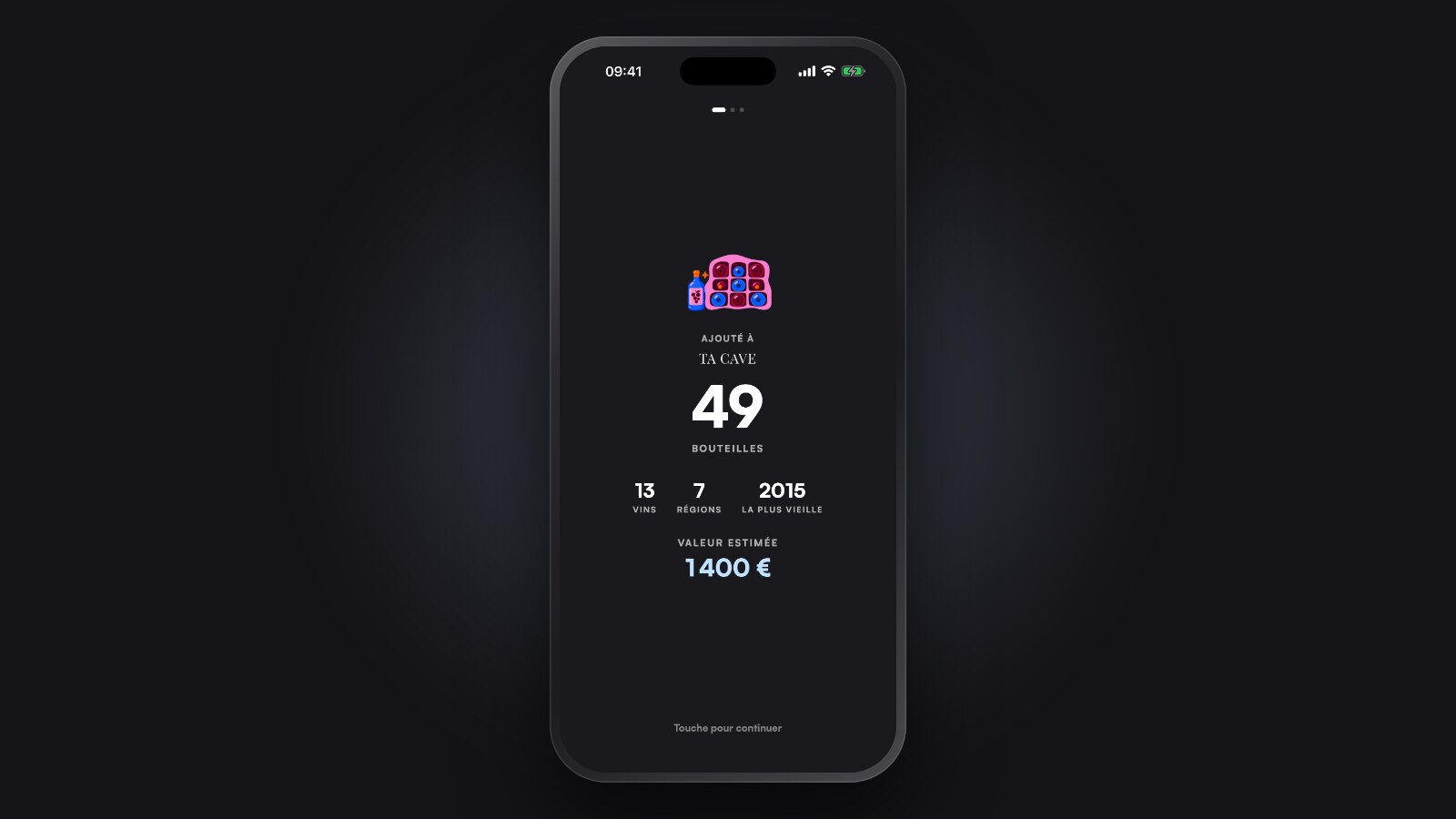
Switching cellar apps is usually where everything stops.
You have 40, 80, 200 bottles listed somewhere. Nobody wants to type them in again one by one.
So I added to veeni what I would have wanted: you give it your file, your cellar arrives. I tested it with my own Vivino export.
What you need
- A computer, once. Vivino's export is not in its app, only on its website.
- veeni on your phone, up to date (iPhone or Android).
- A few minutes. Vivino can take a while to prepare the file.
1. Get your list from vivino.com
- Sign in on vivino.com, from a computer.
- Click your profile picture, then Settings.
- In the Account management tab, at the very bottom: start an export.
- Vivino prepares the file. You can close the page and come back later.
- Download the file: it is a .zip.
Keep the .zip as it is. It holds your list (the cellar.csv file) and your label photos.
2. Send it to your phone
Email it to yourself, or use AirDrop.
On your phone, tap the file, then Open with veeni.
If the .zip got unpacked into a folder on the way, no problem: in veeni, choose I already have my file and select every file in the folder.
3. Check, then add
veeni reads the file on your phone and shows you what it found: how many wines, how many bottles, each wine with its vintage and photo.
Nothing is saved yet at this point. You look, you fix anything if needed, then Add to my cellar.
A few things worth knowing:
- Wines at 0 bottles are not added: they are already drunk.
- A missing colour will be asked before you continue.
- The same wine on two lines is merged, bottles are added up.
- A wine already in your cellar is recognised: importing the same file again creates no duplicates.
- 500 lines per import. Beyond that, run it again with the rest.
4. What veeni adds next
Once your cellar is in, veeni estimates for each wine when to open it and what it is worth. Depending on the size of your cellar, it takes a few seconds to a few minutes.
You then see your cellar differently: what you have, what it is worth, and what to drink now.
What does not come along
I would rather be clear: the import fills My cellar. Your Vivino ratings and comments are not brought over.
A score out of 5 and a comment say nothing about aromas or how the wine felt to you. Your next tastings, rated in veeni, will tell what you like.
And if one day you want to leave?
Your wines stay yours.
In veeni, Settings, My account, Export my wines gives you an Excel file, with your photos if you want. It is free, and veeni can read that file back.
Another app than Vivino?
The same import works with an Excel, Numbers or CSV file, and with exports from Winely, InVintory or CellarTracker. If your app has no export, European law requires it to give you your data in a readable file: veeni offers a ready-made message to send them.
Guides liés

📱 veeni
veeni vs Vivino: which one to pick?
Two apps, two different questions. I made veeni, so I am not neutral: here is when each one will serve you best.
3 min
🍷 Wine basics
How to find a wine you loved again
A simple habit, done in the moment, so you never lose track of a bottle you enjoyed.
3 min

🏠 Wine cellar
What temperature should you store wine at?
I opened three bottles too late in the same year. Temperature, natural or electric cellar, ageing: the simple landmarks to avoid repeating my mistakes.
3 min